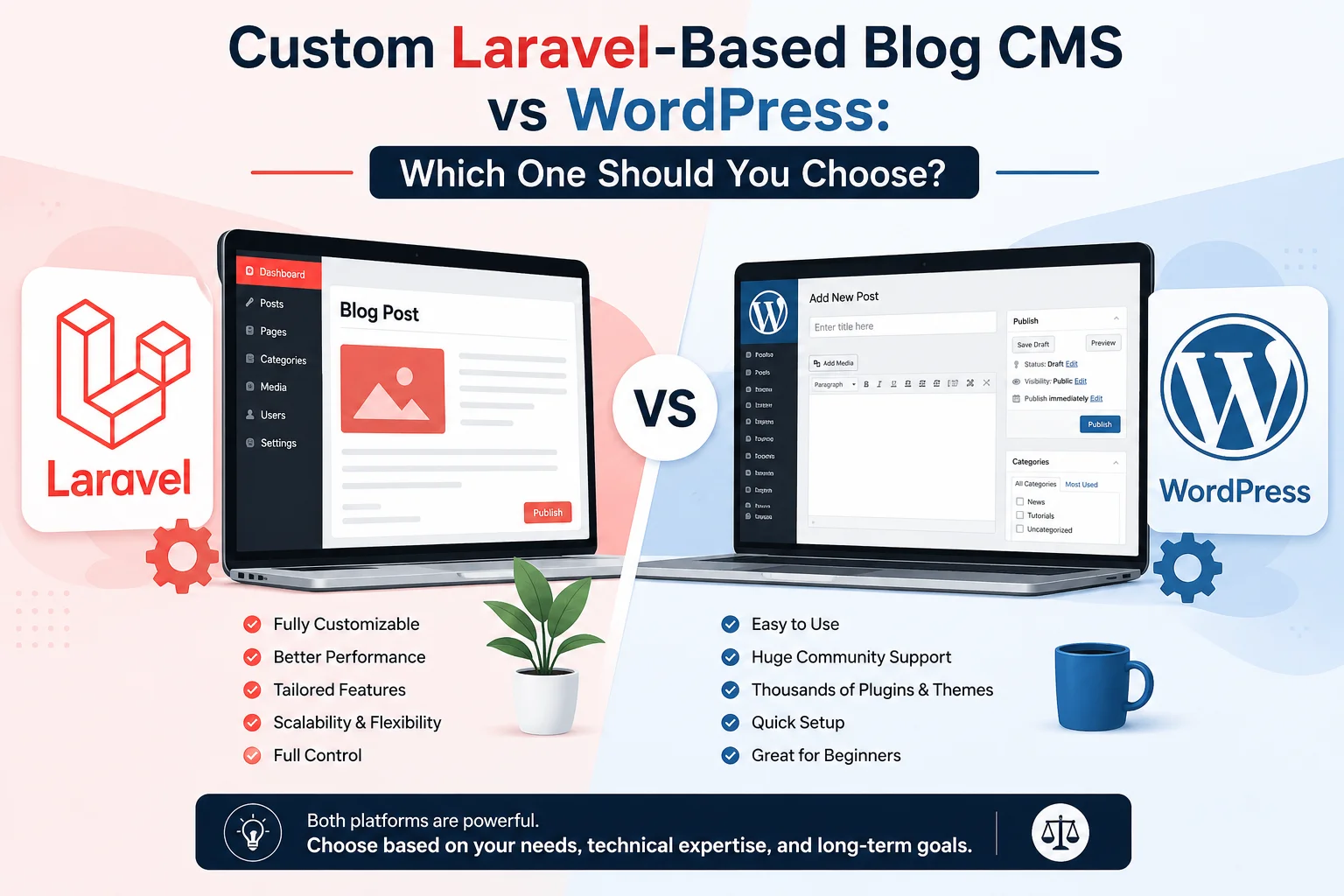
When planning a blog or content-driven website, one of the first decisions is choosing the right Content Management System (CMS). WordPress is often the default choice, but many businesses today are shifting towards custom Laravel-based Blog CMS solutions.
Both options have their strengths and limitations. In this article, we’ll compare Custom Laravel Blog CMS vs WordPress across performance, security, scalability, flexibility, and long-term value.
1. Overview
WordPress
WordPress is an open-source CMS powering over 40% of the web. It is plugin-driven, theme-based, and designed for quick setup with minimal technical knowledge.
Custom Laravel-Based Blog CMS
A Laravel Blog CMS is built from scratch using the Laravel PHP framework, tailored specifically to business requirements. It focuses on clean architecture, custom features, and long-term scalability.
2. Customization & Flexibility
WordPress
- Relies heavily on themes and plugins
- Customization beyond a point requires plugin stacking
- Plugin conflicts are common
- Codebase becomes bloated over time
Laravel-Based CMS
-
Built exactly as per project requirements
-
No unnecessary features or bloat
-
Clean MVC architecture
-
Easy to add or modify features like:
- Custom SEO logic
- Advanced content workflows
- API-first blog architecture
Winner: Custom Laravel CMS
3. Performance & Speed
WordPress
-
Performance depends on:
- Number of plugins
- Theme quality
- Caching plugins
-
Heavy sites often require aggressive optimization
Laravel-Based CMS
- Optimized database queries
- Built-in caching (Redis, Memcached, file cache)
- No unnecessary scripts or plugins
- Faster page load for large content sites
Winner: Custom Laravel CMS
4. Security
WordPress
- Common target for hackers due to popularity
- Vulnerabilities often come from third-party plugins
- Requires frequent updates and monitoring
Laravel-Based CMS
-
Laravel provides:
- CSRF protection
- SQL injection prevention
- Secure authentication & authorization
-
Smaller attack surface
-
No dependency on unknown plugins
Winner: Custom Laravel CMS
5. SEO Capabilities
WordPress
- SEO mainly handled by plugins (Yoast, RankMath, etc.)
- Limited control beyond plugin features
Laravel-Based CMS
-
Fully custom SEO implementation:
- Dynamic meta tags
- Schema generation
- URL structure control
- Sitemap automation
-
Easy integration with custom SEO tools and AI-based optimizers
Winner: Custom Laravel CMS
6. Scalability & Future Growth
WordPress
-
Suitable for small to medium blogs
-
Scaling requires:
- Better hosting
- Multiple plugins
- Complex caching layers
Laravel-Based CMS
-
Designed for:
- High-traffic blogs
- Multi-author platforms
- Headless CMS with mobile apps
- API-driven ecosystems
-
Ideal for long-term growth
Winner: Custom Laravel CMS
7. Development & Maintenance
WordPress
- Faster initial setup
- Lower initial cost
- Ongoing plugin maintenance
- Updates may break existing functionality
Laravel-Based CMS
- Higher initial development effort
- Clean, maintainable codebase
- Easier debugging
- Long-term stability
Winner: Depends on project size
8. Cost Comparison
| Aspect | WordPress | Laravel CMS |
|---|---|---|
| Initial Cost | Low | Medium to High |
| Custom Features | Plugin-based (paid) | Built-in |
| Long-Term Cost | High (plugins, fixes) | Lower |
| Maintenance | Continuous | Predictable |
9. When to Choose What?
Choose WordPress if:
- You need a blog quickly
- Budget is very limited
- Minimal customization required
- Non-technical users manage content
Choose Custom Laravel-Based Blog CMS if:
- You need performance & security
- SEO is a core business requirement
- You plan long-term scaling
- You want full control over data and features
Conclusion
WordPress is an excellent starter CMS, but as business needs grow, its plugin-dependent architecture becomes a limitation. A Custom Laravel-Based Blog CMS offers unmatched flexibility, performance, security, and scalability.
If your blog is a business asset rather than just content, investing in a Laravel-based CMS is a future-proof decision.
Final Verdict:
WordPress is convenient.
Custom Laravel CMS is strategic.
Leave a Comment (0)
No comments yet
Be the first to comment!